
From the new arrivals rack to end-of-season sale
That dress comes in 5 sizes and 3 colors — that's 15 SKUs from one design. Multiply that across your whole collection and you need a system that keeps every variant visible. Organize by season, track what sells, mark down what doesn't.
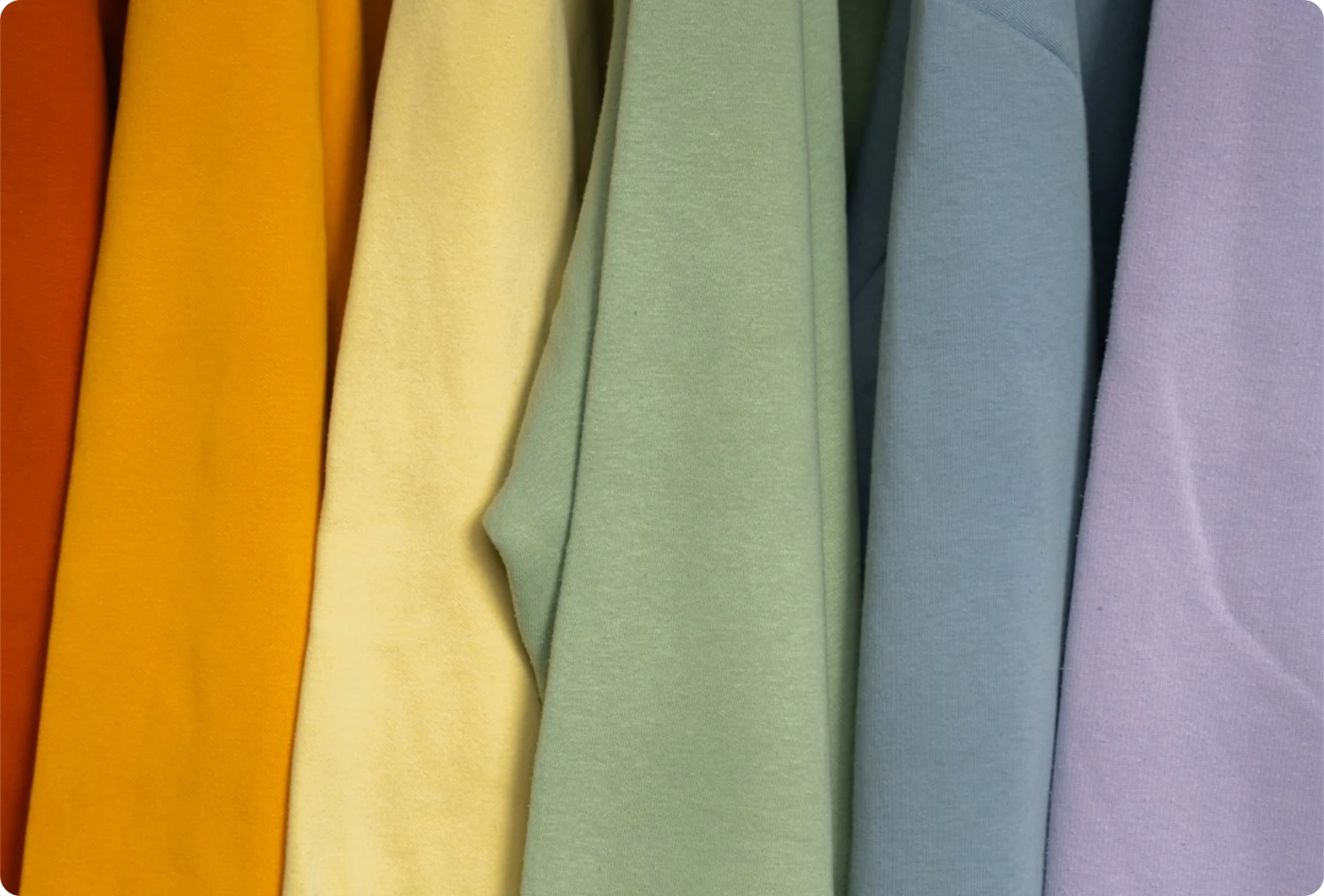
What a fashion floor needs
Fashion retail runs on variants, seasons, and visual merchandising. These are the tools that keep the rhythm going.
Size × color grid
That dress has S through XL in white, black, and blue. See all 15 variants in one matrix. Know instantly that you're out of M-black but have 8 of XL-white.
Collections & seasons
Tag everything as Fall/Winter 2026 or Capsule Collection. When it's time to transition, you see exactly what sold through and what needs marking down.
Browse by look
A customer says 'I saw a blue dress with ruffles in your window last week.' Your staff scrolls through product images instead of guessing SKU codes.
15 SKUs from one design, managed in one place
Create the shirt once. Add sizes S, M, L, XL. Add colors white, blue, pink. The system generates all 12 combinations, each with its own SKU and barcode. The matrix view shows stock per variant — so when M-blue is running low, you see it before the rack goes empty.
- Auto-generate size × color × style combinations
- Individual SKU and barcode per variant
- Matrix view with stock levels per cell
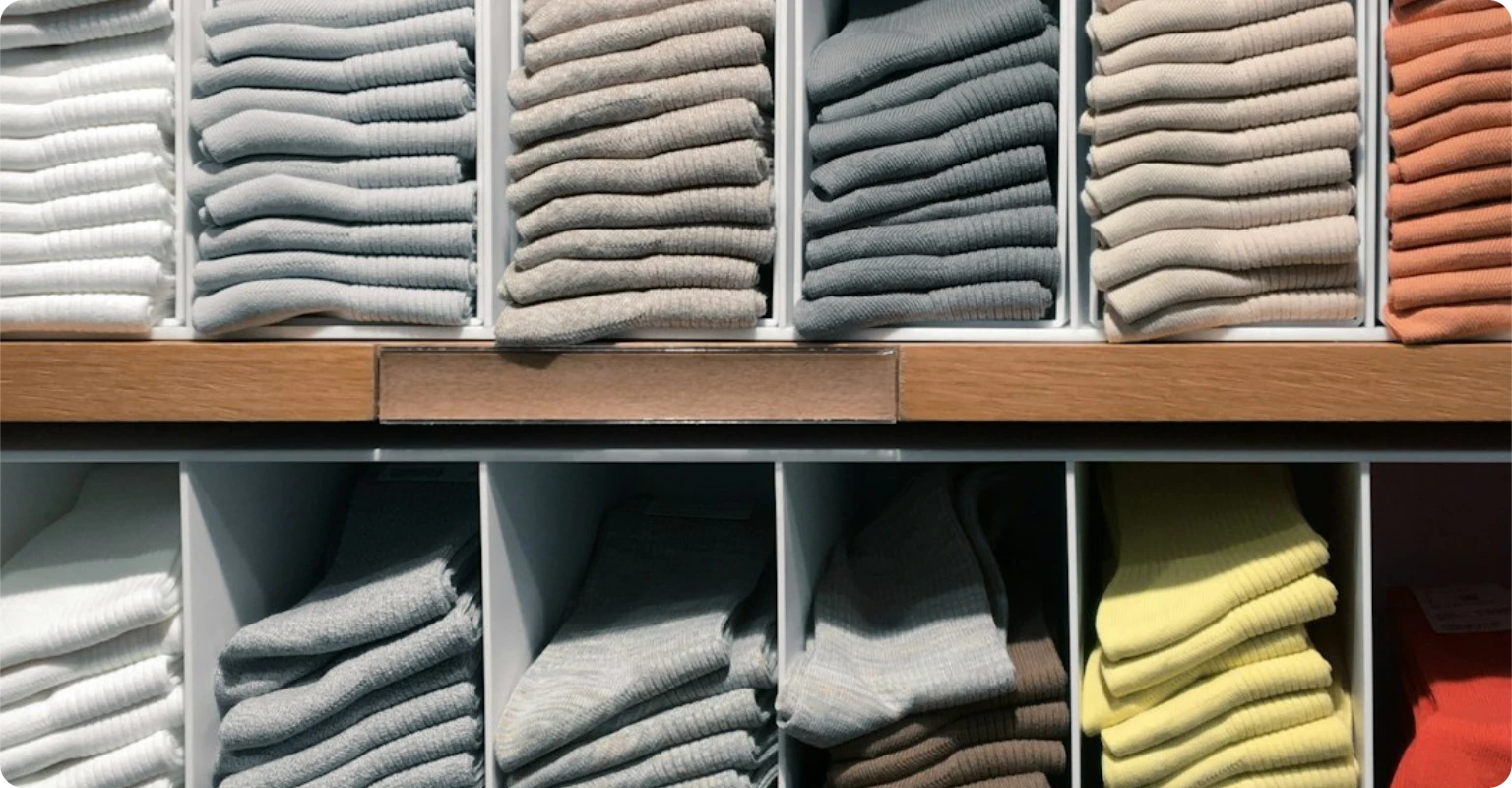
From new arrivals to clearance, tracked by collection
Every product gets a season tag — Spring/Summer 2026, Fall/Winter 2026, or a named capsule collection. Track sell-through rates per collection. When the season winds down, set automatic markdown schedules: 20% off at week 8, 40% at week 12. Plan your next buy based on what actually moved.
- Season and collection tagging
- Sell-through rate per collection
- Scheduled markdowns: 20% → 40% → clearance
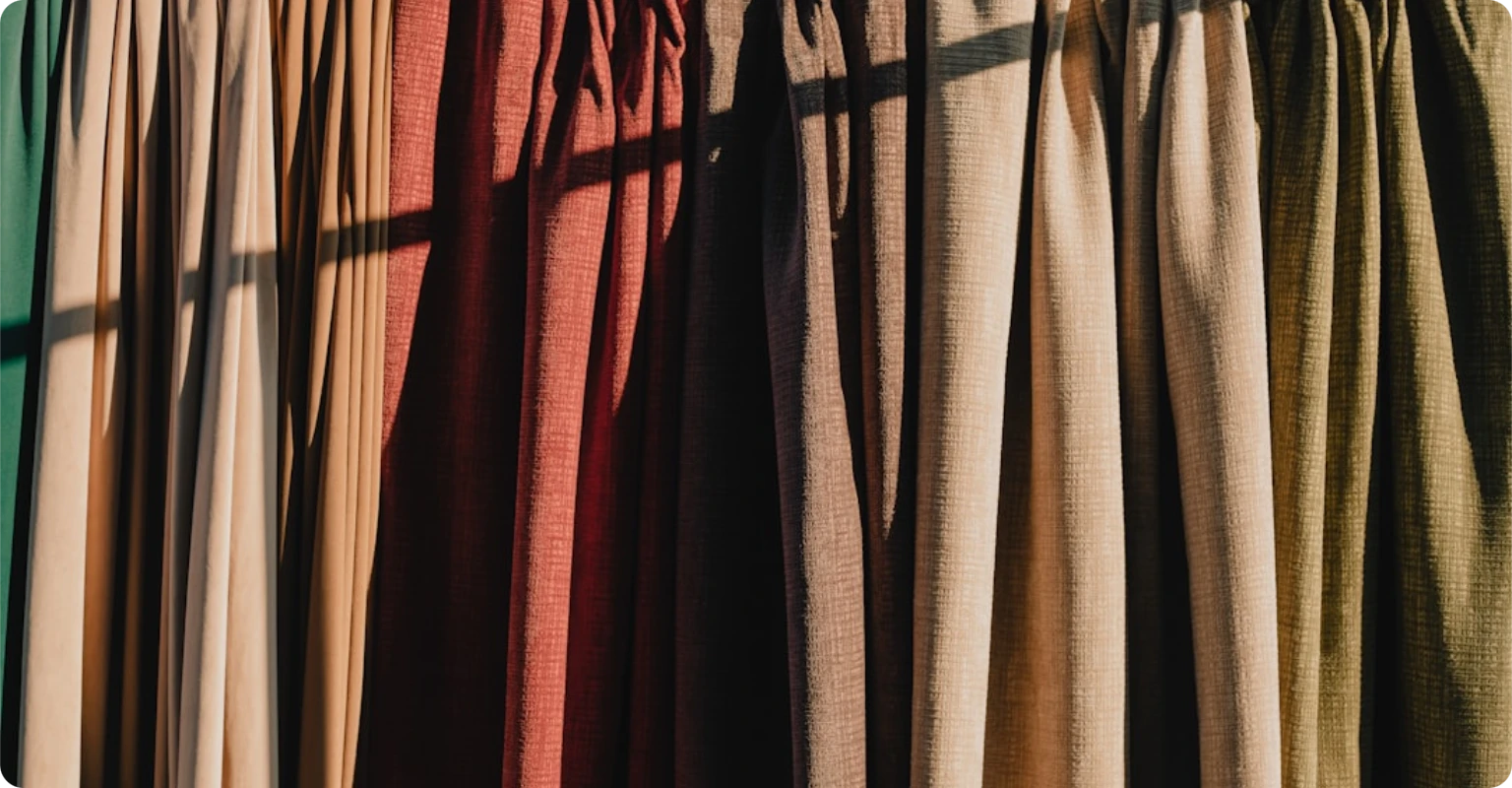
Your staff sells by look, not by SKU
When a customer describes something they saw on Instagram or in the window, your team browses a visual gallery — not a spreadsheet of codes. Filter by color, style, or collection. Tap the image, select the size, done. Especially helpful for new staff who don't know the catalog yet.
- Image-first browsing on the POS
- Filter by color, silhouette, or collection
- New staff find items without memorizing codes
Season to season
Collection drops
Import 200 new SKUs from the supplier sheet. System generates variant matrices, assigns barcodes, tags them Spring/Summer 2026.
On the floor
Customer points at a dress. Staff taps the image, picks size M in blue, checks stock — 3 left. Sale done.
Mid-season check
Sell-through report shows the linen pants are at 70%, but the silk tops are stuck at 20%. Mark down the tops, reorder the pants.
End of season
Clearance pricing auto-applies. What didn't sell feeds into next season's buying decisions.
Fashion stores on PMBH
See if PMBH is right for you
Start a free 14-day trial. No credit card, no commitment.
No credit card required • 14-day free trial • Cancel anytime