Keep track of what you have
See your stock levels across stores and warehouses, get notified when items run low, and create purchase orders when you need to restock. Simple tools that help you stay on top of things.

Good inventory starts with good visibility
When you can clearly see what you have and where, reordering becomes easier, stockouts happen less, and you make better purchasing decisions.
A heads-up before items run low gives you time to reorder and keep shelves stocked for customers.
Knowing what sells well and what doesn't helps you order the right amounts and keep cash flowing.
When stock is spread across locations, a single overview helps you see what's where and move things around.
Stock levels you can trust
Every sale, transfer, and adjustment updates your inventory right away. See quantities by location, set reorder points, and catch low stock early.

Purchase orders, simplified
Create purchase orders from low-stock alerts or demand patterns. Track supplier deliveries, partial receipts, and costs in one workflow.
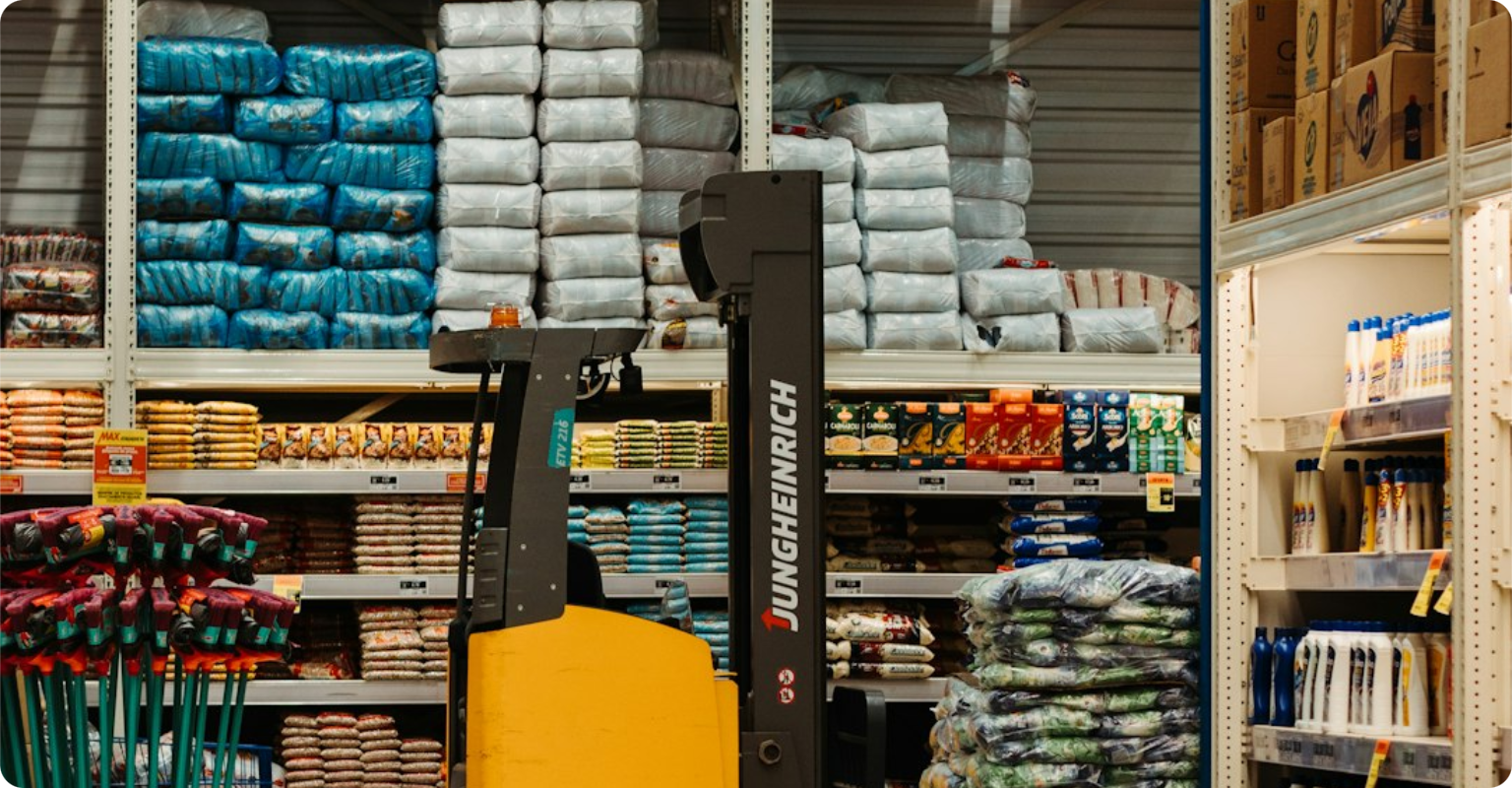
All your locations, one view
Manage warehouses, stores, and fulfillment centers from one dashboard. Transfer stock between locations and track items in transit.
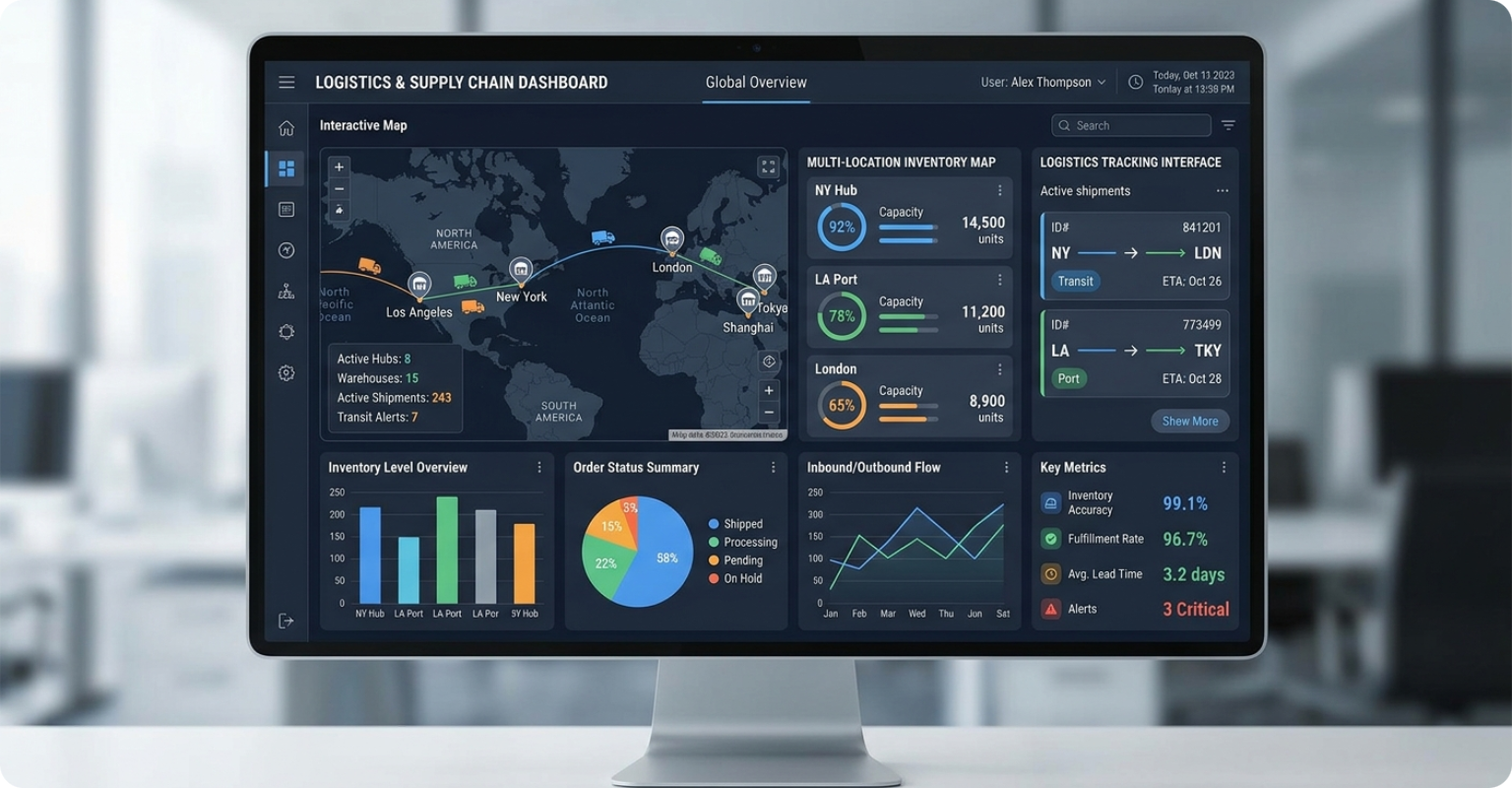
Plugs into the rest of your tools
Inventory syncs with POS sales, Commerce products, and Payment reconciliation.
What our users are seeing
Simple, transparent pricing
Inventory is included in every PMBH plan. Unlimited locations, unlimited products.
View Pricing PlansFrequently asked questions
How many warehouses can I manage?
Unlimited. Add as many warehouses, stores, and fulfillment centers as your business needs. Each location tracks stock independently with real-time sync.
Can I set up automatic reorder alerts?
Yes. Set minimum stock thresholds per product per location. When stock drops below the threshold, you get notified and can generate a purchase order with one click.
Does inventory sync with POS sales?
Instantly. Every POS transaction deducts stock in real time. Returns add it back. Transfers and adjustments are tracked with full audit trail.
How do stock transfers between locations work?
Create a transfer request, pick the source and destination, select items and quantities. The receiving location confirms receipt, and stock levels update automatically.
See if PMBH is right for you
Start a free 14-day trial. No credit card, no commitment.
No credit card required • 14-day free trial • Cancel anytime